Clientish Documents
Step-by-step guides for every module, from your first workspace to proposals, billing, support and automation.
Lead Statuses and Pipeline Value
The six lead statuses and what your pipeline is worth.
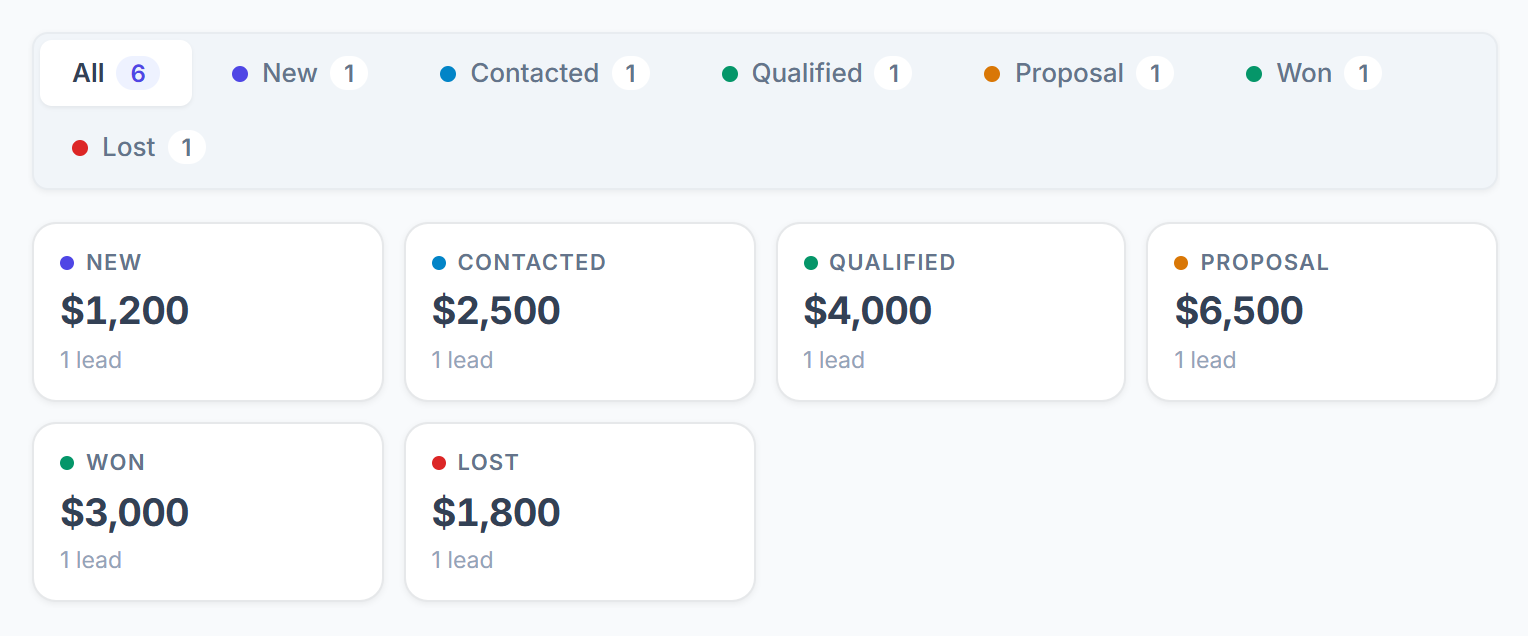
Every lead has one of six statuses, and can have an expected value, so you can see what your pipeline is worth.
Overview
This guide explains the statuses and the pipeline value.
Who Can Access
The Six Statuses
The statuses are fixed. Change a status from the Pipeline card on the lead page, by dragging the card on the Kanban board, or on the Edit Lead page. Won is set only when you convert the lead, or when the lead accepts your proposal.
Pipeline Value
Set an expected value
On the lead page, enter what you expect to earn under Expected value in the Pipeline card.

See the totals
On the Leads page, each status shows the total expected value of its leads, how many there are, and how many have no value yet. The table has a Value column.