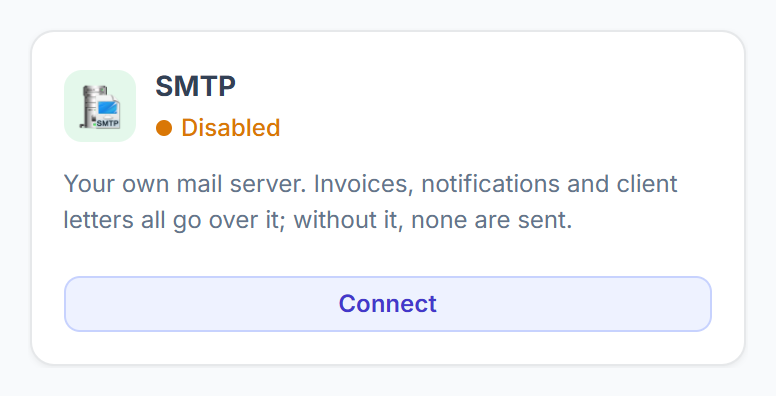
Emails not arriving is almost always one setting.
Emails that don’t arrive almost always come down to your mail settings. Clientish sends every email through your own SMTP server.
Overview
Find the problem in the table, then check what it says. Error messages are shown exactly as people see them.
Who Can Access
Agency AdminTeam Member
Common Problems
| Problem | What to check |
|---|
| Nothing arrives at all | Settings → General → Email (SMTP). Fill in host, port, encryption, username, password and from address, save, then click Send test email. |
| Port blocked | Try port 2525 first. Many hosts block 587, 465 and 25. |
| Emails go to spam | Set up SPF and DKIM for your sending domain with your email provider. |
| Wrong sender name | Change From Name and From Address in the same card. |
| One kind of email never goes out | Settings → Notifications: check that email is switched on. Then check its template in Email Templates. |
| Not sure what happened | Open Settings → Email Log. It shows each email and why it failed. |
Messages You May See
| Message | What it means |
|---|
| The mail server rejected the username or password. Check your SMTP settings. | Wrong username or password. |
| Could not reach the mail server. Check the host and port in your SMTP settings. | Wrong host or a blocked port. |
| SMTP is not configured for this workspace yet. | Fill in the Email (SMTP) card. |
| This SMTP host is not allowed… | Use your provider’s public host name, such as smtp.gmail.com. |
Frequently Asked Questions
Are exports emailed?⌄
No. Every export downloads straight away.
Does Delivered mean the client read it?⌄
It means your mail server accepted it.