Clientish Documents
Step-by-step guides for every module, from your first workspace to proposals, billing, support and automation.
Pricing Options and Setup Fees
Sell a service at more than one price, and add a one-off setup fee to a recurring service.
Offer a service at more than one price, and add a one-off setup fee to a recurring service.
Overview
This guide covers additional pricing options and setup fees.
Who Can Access
Additional Pricing Options
Add an option
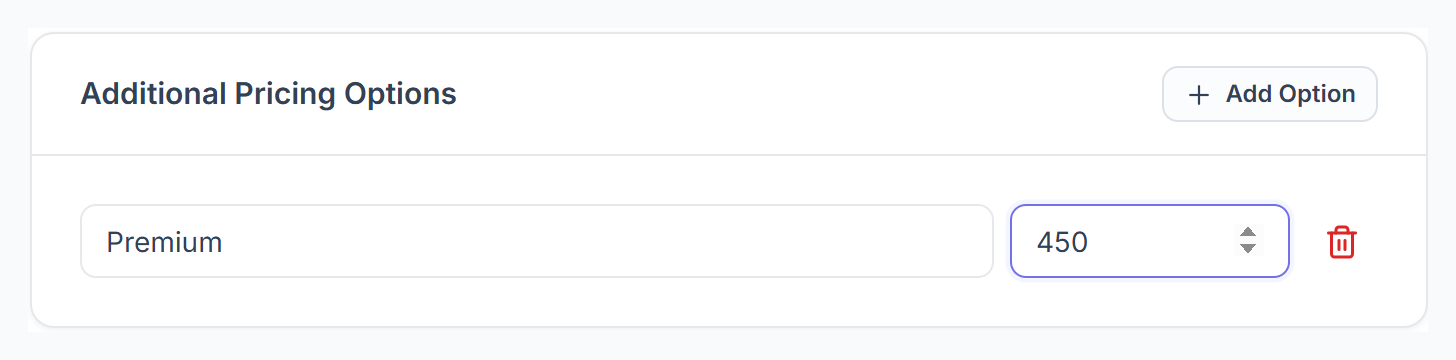
On the service form, under Additional Pricing Options, click Add Option, enter a label such as Premium and its price. Add as many as you need.

The client picks one
In the client portal the client chooses one option before adding the service to their cart. The service page shows the lowest price as “From”.
Pricing options are for one-time services. Each option gets its own payment link.
Setup or Trial Fee
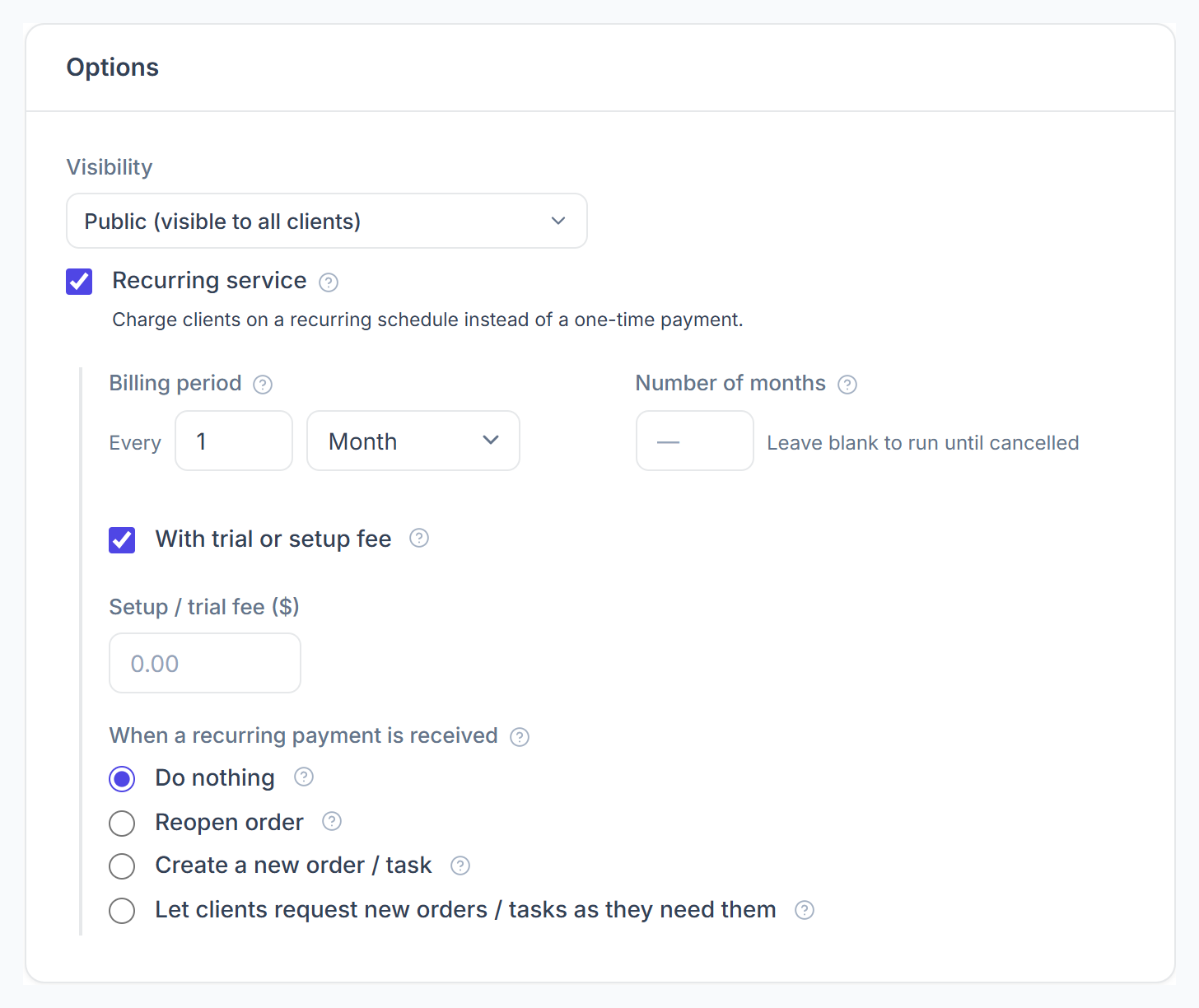
For a recurring service, tick With trial or setup fee and enter the Setup / trial fee. It is added as its own line to the first invoice only; later cycles are billed at the normal price.