
Clientish Documents
Step-by-step guides for every module, from your first workspace to proposals, billing, support and automation.
Client Permissions
The 21 Clients permissions and what a team member sees without them.
Decide what each team role may do with clients and which client details they may see. There are 21 Clients permissions.
Overview
This guide lists every Clients permission and shows what a team member sees without them.
Who Can Access
Agency Admin
Step-by-Step Guide
Open the role
Go to Settings → Roles & Permissions for team roles, or Remote Roles for remote members, and pick a role. You can also change one member’s permissions from their own page.
Tick the Clients permissions
Scroll to Clients and tick what the role may do. Select all ticks the whole group. Click Save Permissions.

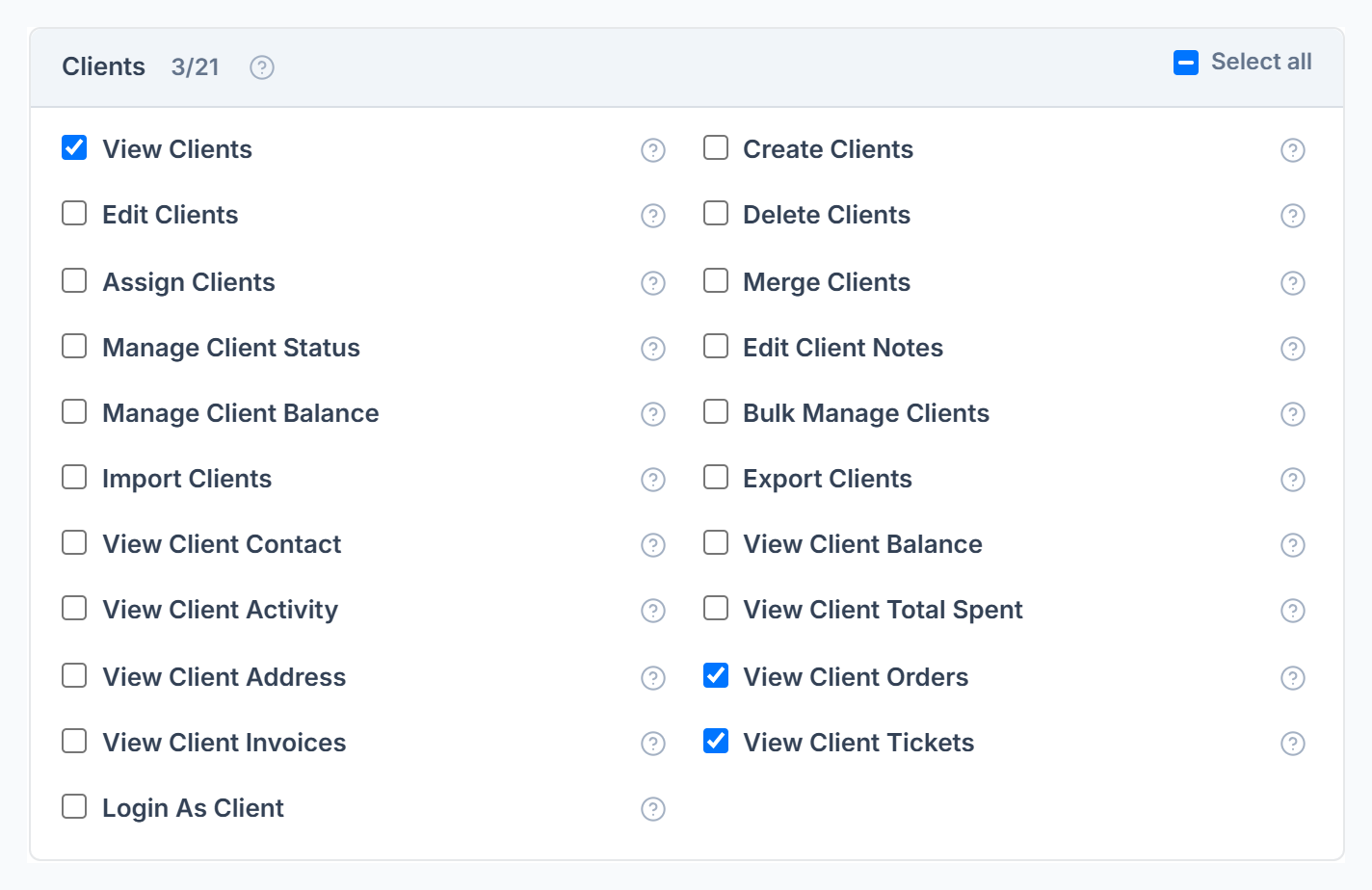
The 21 Permissions
What Hidden Looks Like
- Email, phone, address and balance show the word Hidden.
- The Orders, Invoices, Tickets and Activity tabs disappear from the profile.
- Anyone with View Clients sees every client in the workspace. Assigning a client doesn’t limit who sees it.
Frequently Asked Questions
Do these apply to me as the owner?⌄
No. The owner and co-admins can do everything.
Can I hide a client’s email on orders and tickets too?⌄
Yes. Orders and Tickets each have their own View Client Contact permission.