
Clientish Documents
Step-by-step guides for every module, from your first workspace to proposals, billing, support and automation.
Invoices List
Status tabs, search and filters, the invoice menu, bulk actions, statuses and export.
The Invoices page lists every invoice you have sent, with its status, so you can see what is paid and what is still owed.
Overview
This guide explains the status tabs, search and filters, the table, the invoice menu, bulk actions and export.
Who Can Access
Team members need View Invoices. If their role is limited by department, they see invoices for their department’s services.
Step-by-Step Guide
Open Invoices
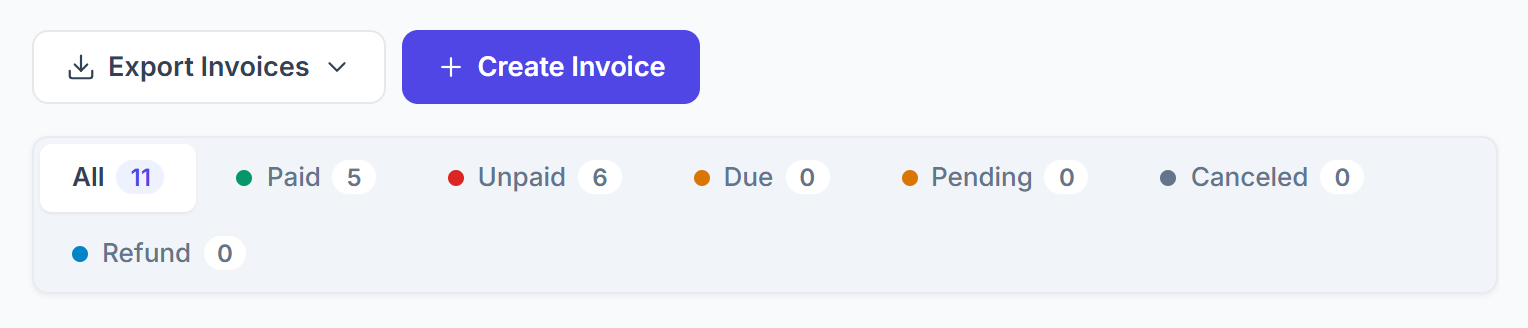
Click Invoices in the sidebar. The tabs show how many invoices have each status. Click one to see only those, or All to see everything.

Search and filter
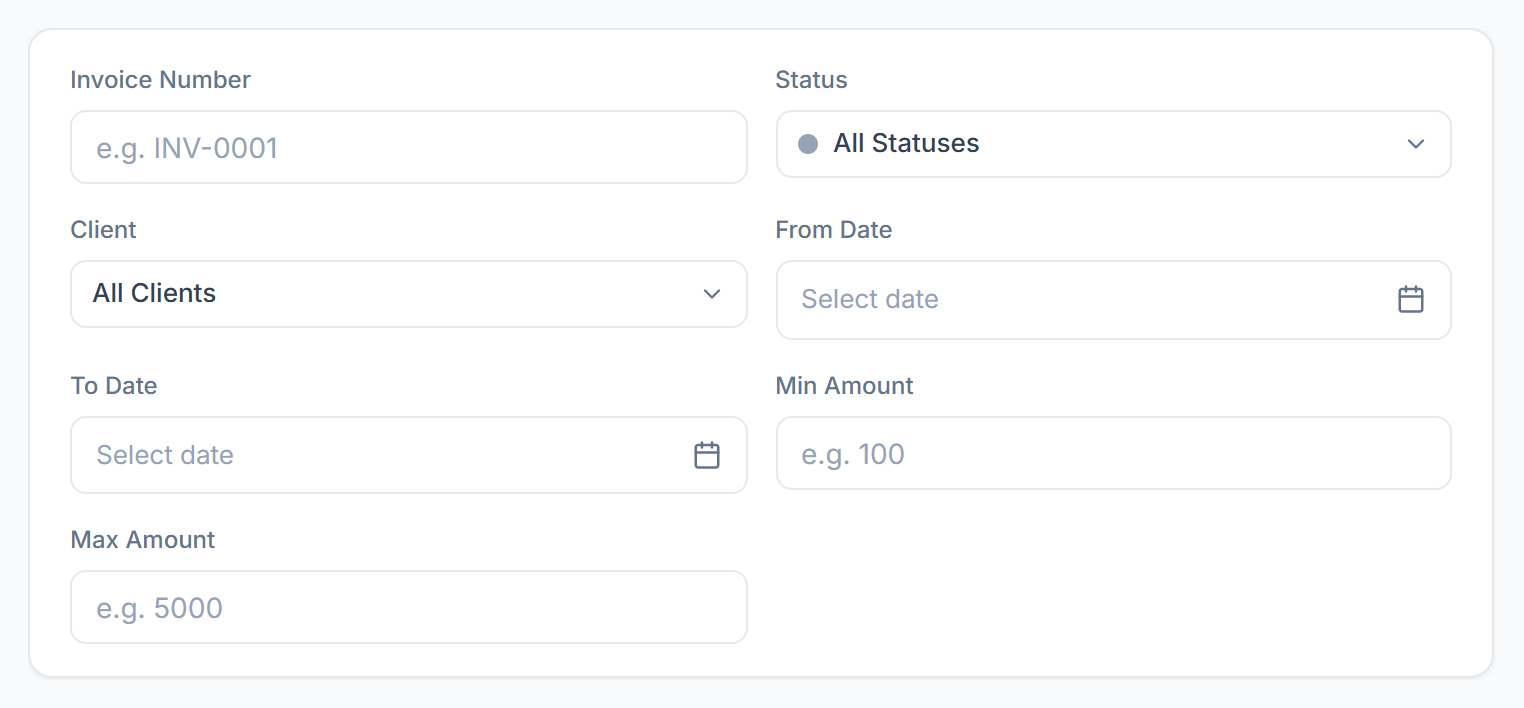
Search by invoice number or the client’s name or email. Click Filter to narrow the list by Invoice Number, Status, Client, From Date and To Date (the issue date), and Min Amount and Max Amount. Clear removes them. The filters stay in the page address, so you can bookmark them.

Read the table
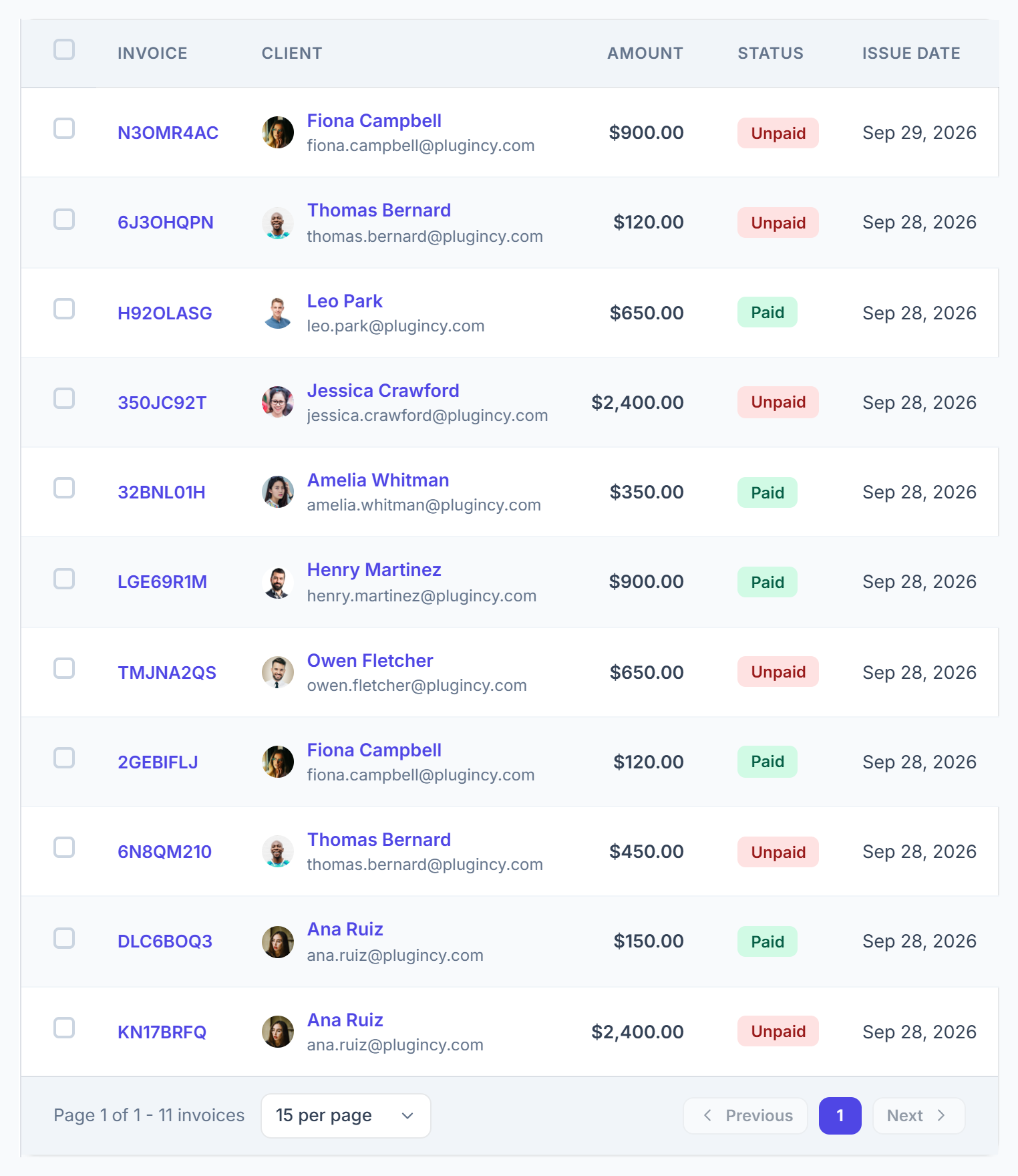
Each row shows the invoice number, the client, the amount, the status and the issue and due dates; the paid and refund dates follow. After a refund, the amount also shows what was refunded and the balance. The newest invoices are at the top, and you can show 10 to 100 per page.

Use the invoice menu
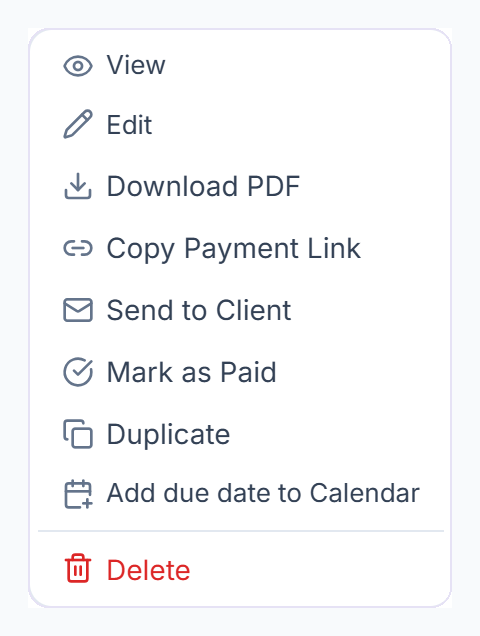
Click ⋮ for View, Edit, Download PDF, Copy Payment Link, Send to Client, Mark as Paid, Duplicate, Add due date to Calendar, Refund and Delete. Only the items that fit the invoice’s status are shown.

Change many at once
Tick invoices to show the bulk bar: Mark as Paid, Mark as Unpaid, Mark as Refund, Send Email and Delete. Mark as Refund refunds each paid invoice in full to the client’s balance; unpaid ones are skipped.


Invoice Statuses
Export
Click Export Invoices and choose Excel or CSV. The file downloads straight away. It covers the dates in the From and To filters, or this month if none are set; the other filters don’t change it.