
Clientish Documents
Step-by-step guides for every module, from your first workspace to proposals, billing, support and automation.
Remote Members List
Your remote members, the table, filters and the menu on each member.
Remote Members are people outside your office, such as freelancers and contractors. They have their own list, their own roles and their own sign-in area.
Overview
This guide explains the Remote Members page, the members table and the menu on each member.
Who Can Access
Team members need View Remote Teams to see the page. The other actions each have their own permission.
Step-by-Step Guide
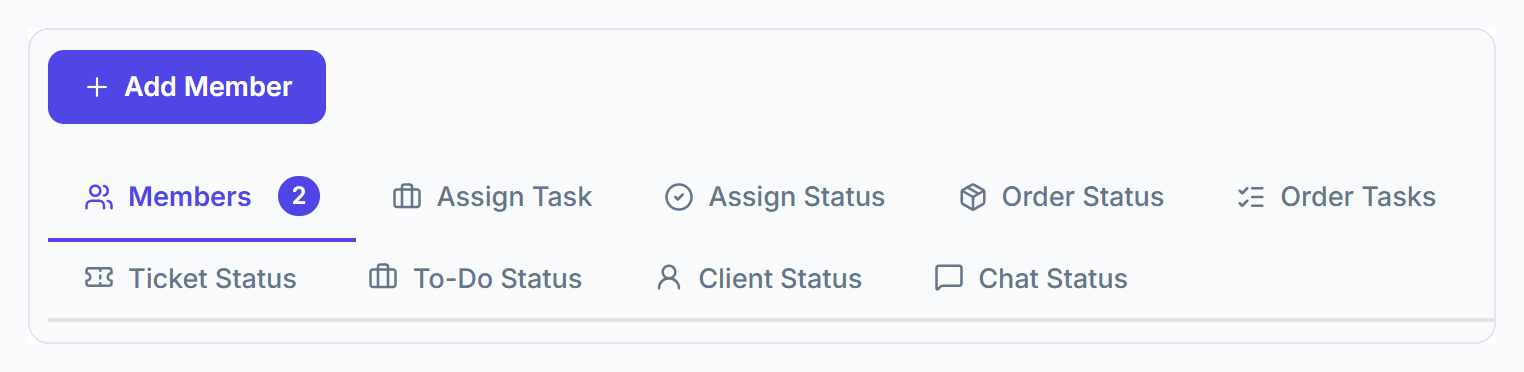
Open Remote Members
Click Remote Members in the sidebar. You can also find it in Settings → Remote Members.

Find a member
Search by name or email. Click Filter to show one role or one status: Pending, Active or Suspended.
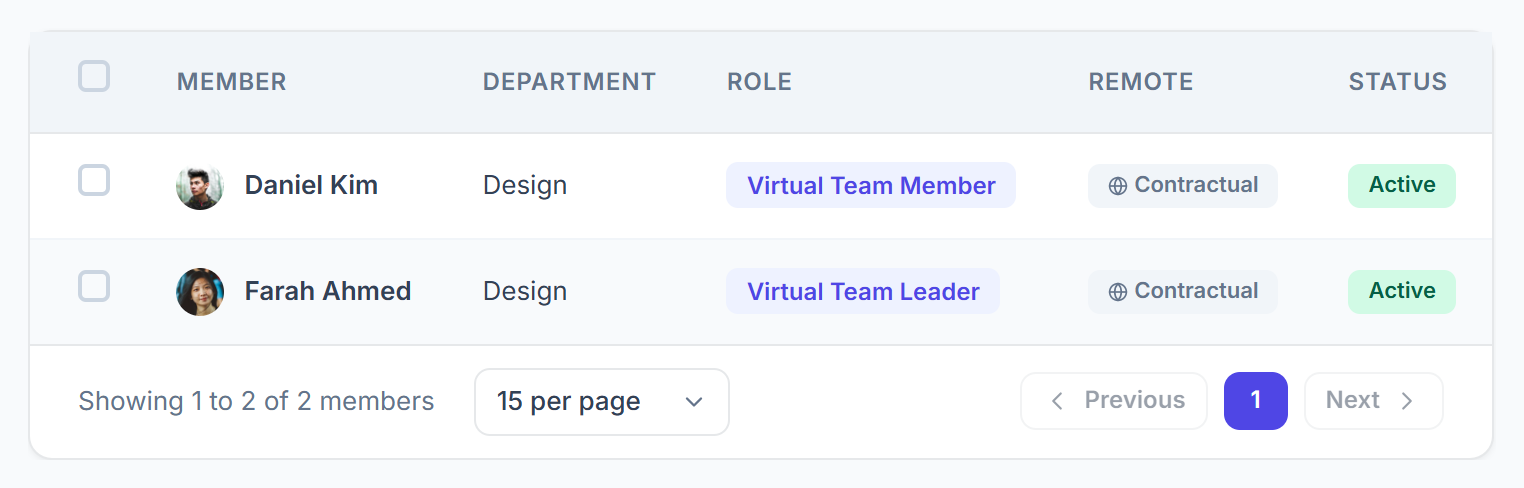
Read the table
Each row shows the member’s department, designation, role, Remote status (where they work), join date and account status. “· Custom” after a role means they have their own permissions.

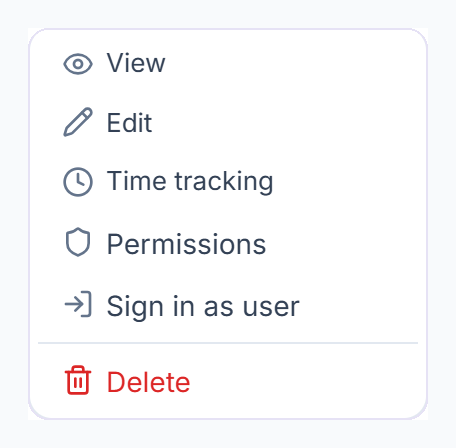
Use the member menu
Click ⋮ on a row for View, Edit, Permissions, Sign in as user and Delete. With time tracking on, you also see Time tracking.

How Remote Members Differ From Team Members
Delete Members
- Delete one from the menu, or tick several and choose Delete.
- Deleted members get an “Account Removed” email.