“I can’t see X” — the most common support request you will get.
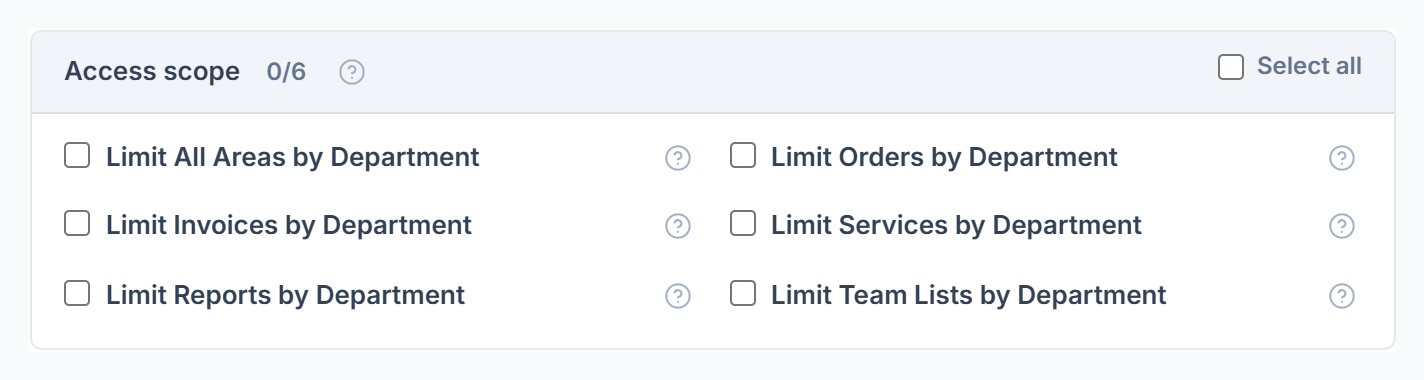
“I can’t see it” is almost always a role permission, a department limit or a missing box on a personal permission set.
Overview
Find the problem in the table, then check what it says. Error messages are shown exactly as people see them.
Who Can Access
Agency AdminTeam Member
Common Problems
| Problem | What to check |
|---|
| Menu item missing | Tick that area’s View box on the member’s role. |
| Sees too little | Limit by Department matches their department to a Service Category of the same name. Records in other categories are hidden. |
| Sees everything despite limits | They have no department, or no category matches it. |
| Can’t see amounts or contact details | View Order Amount, View Client Contact, View Client Balance and similar boxes. |
| Can’t give a permission | People can only give boxes they have themselves. The owner and co-admins can give anything. |
| Member has their own permissions | Their role shows “· Custom”. Use Restore shared role to undo. |
| Report tab missing | Report tabs follow other permissions. See Who Can See Which Report. |
Messages You May See
| Message | What it means |
|---|
| You can only give permissions you have yourself. Not allowed: … | Ask the owner or a co-admin to do it. |
| Access denied — Your role does not have permission to view this page. | The role lacks that area’s permission. |
| This role is assigned to … team member(s). Reassign them before deleting. | Move its members first. |
Frequently Asked Questions
Can a member with Edit Roles change their own role?⌄
Yes. Only give Edit Roles to people you trust.